
Was thateight or nine?
Lose count.Keep going.
LazySet counts your reps with your phone camera.
Your room. Your pace.
A set before work. A break between calls. A few minutes that belong to you. Start with the space you have.
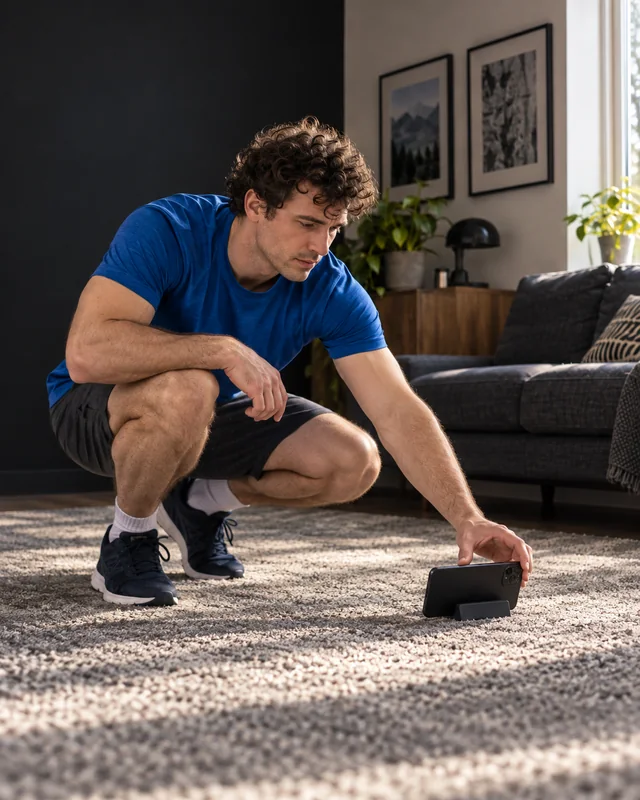
Set it down.
Pick your movement. Follow its camera setup guide.
Do your set.
Your camera follows the movement. You focus on the next rep.

See what you did.
Finish to save your set. Give yourself a moment.
Campaign photography, generated for LazySet.
Less in your head.More in your day.
A starting plan. A saved set. A reason to come back.
A place to start
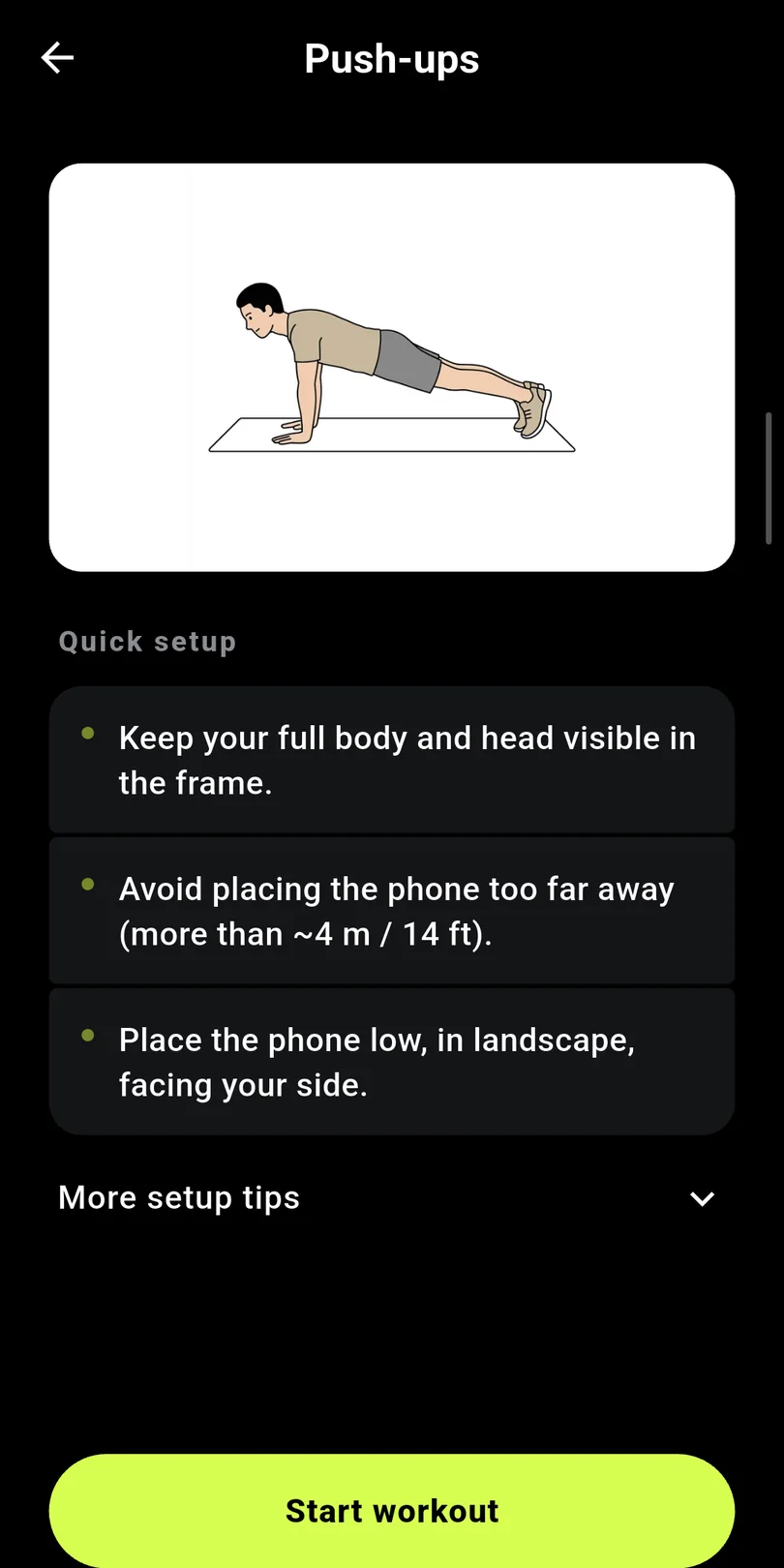
For push-ups, place your phone low, in landscape, facing your side. Keep your upper body and hips visible, then hold a plank until “GO!”.
Your next workout
Get a starting program or circuit recommendation from your onboarding answers. Open it to see the next workout.
A set worth saving
Finish a counted set to save it on your phone. Revisit the reps or hold duration in History.
See it add up
Review your recorded work in the weekly view. Free access includes the current and previous week.
Start free.
Stay for the sets.
No account. No ads. Just a little more room in your head.
Good questions.
Where do I put my phone?
It depends on the movement. For push-ups, place it low in landscape, facing your side. Leave enough room to keep your upper body and hips in view. Follow the in-app guide; lighting and framing affect counting.
What can I count?
Push-ups, squats, lunges, sit-ups and more. Planks, side planks and wall sits use a hold timer. Each movement has its own setup guidance. Bicep curls need a weight; pull-ups need a suitable bar.
Is my camera recording me?
The workout camera processes frames on your phone to count. The app does not save or upload workout video or pose results. SDK diagnostics, purchases and optional services have separate disclosures.
Read the privacy policy (English)Can I download it yet?
LazySet is being prepared for Android and iPhone. Public store downloads are not available here yet. Ask about early access below.

Your next set is coming.
Coming to Android and iPhone. Free to start, with optional Lifetime Pro.
Ask about early access Opens your email app. No sign-up list.